Bring your team together with an improved way to create, manage, and celebrate team events in Motivosity.
→ Greater Flexibility
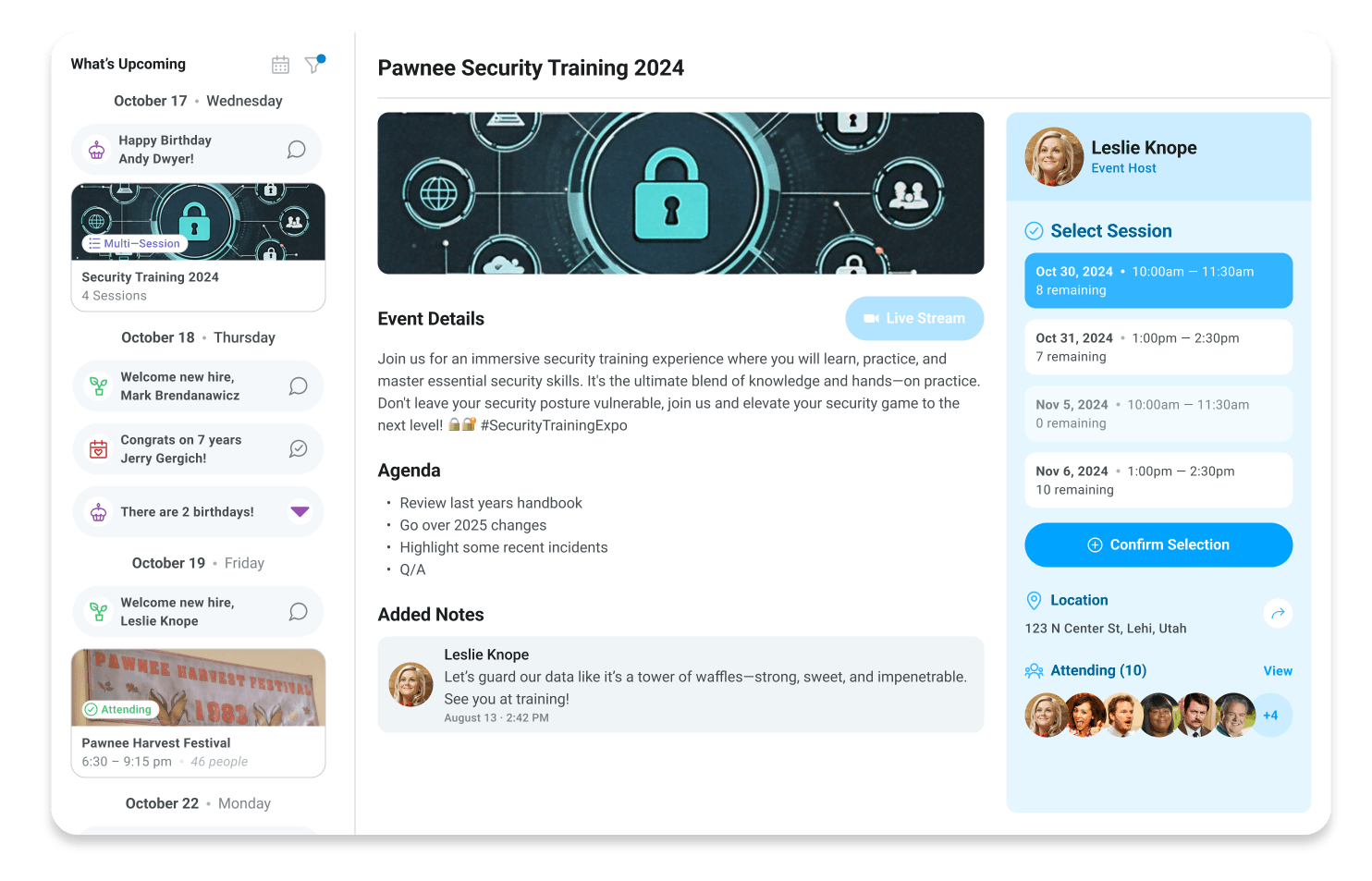
New features like multi-block event support, capped attendance, and self-signup options make it easier to organize events like trainings, exclusive perks, or optional activities while giving employees more control over their participation.
→ More effective event coordination
More flexible scheduling reduces conflicts, controlled attendance prevents overcrowding, and smarter notifications avoid calendar overload. With these improvements, Events is better equipped to help teams coordinate effectively while respecting employee preferences and availability.
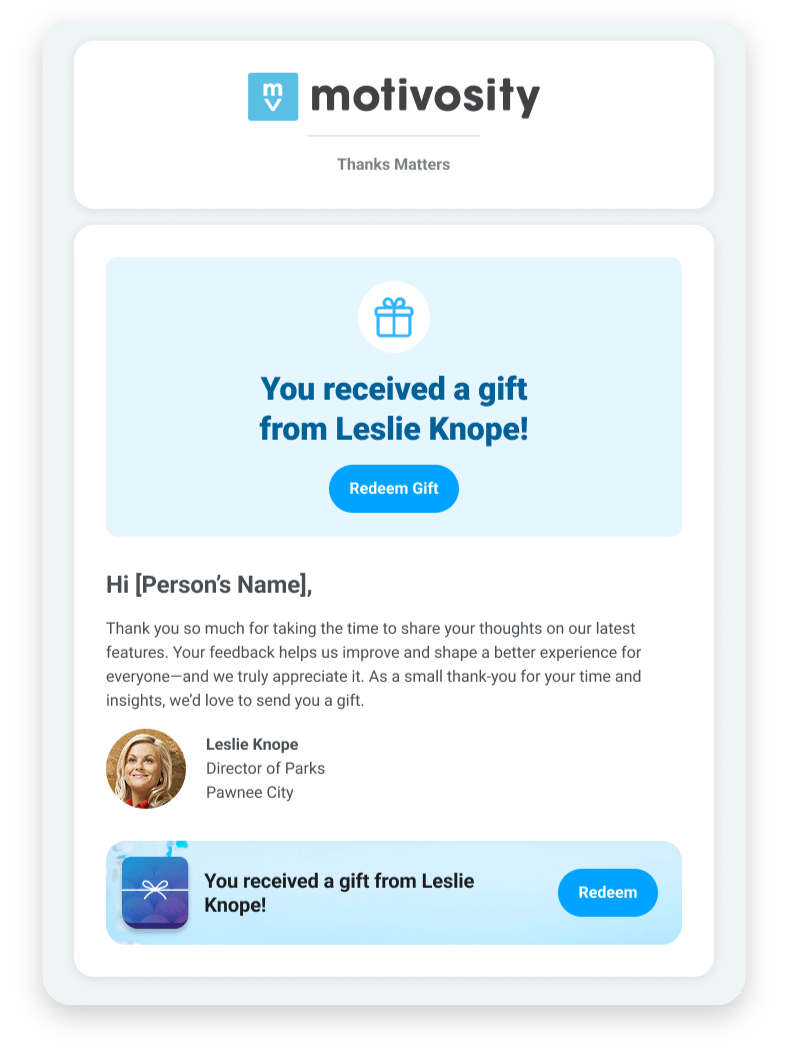
Expand recognition even further with Corporate Gifting from Motivosity! Send thoughtful gifts to any email address for moments like event follow-ups, partnership milestones, or simply to say “thanks” to a prospective customer for the meeting.
→ Reinforce your company’s brand – Build custom gift catalogs that reflect your company’s style and culture.
→ Make it personal – Add a meaningful gift rather than a dollar amount.
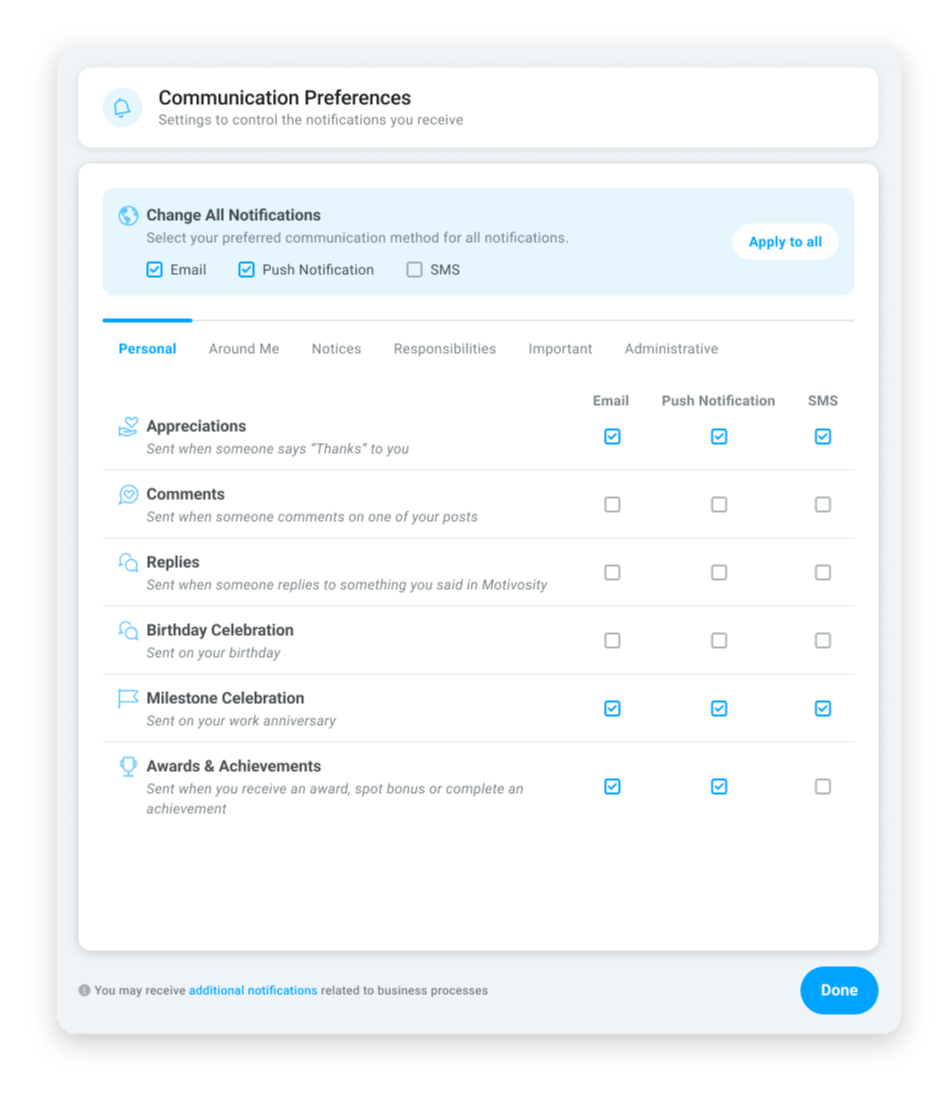
Notification Updates are here! Now admins have more flexibility and control over how welcome messages and announcements are sent and received—ensuring teams stay connected no matter where they work. Take control of which notifications are required versus which notifications are turned over to the employee’s personal preference.
→ Choose the channel – Send and receive notifications by email, push, or text message.
→ Reach remote teams – Use text messaging for deskless or remote workers to ensure they don’t miss important updates.
→ Improve onboarding – Give new employees a warmer welcome with flexible notification options.
Awards administration just got easier for you and your team.
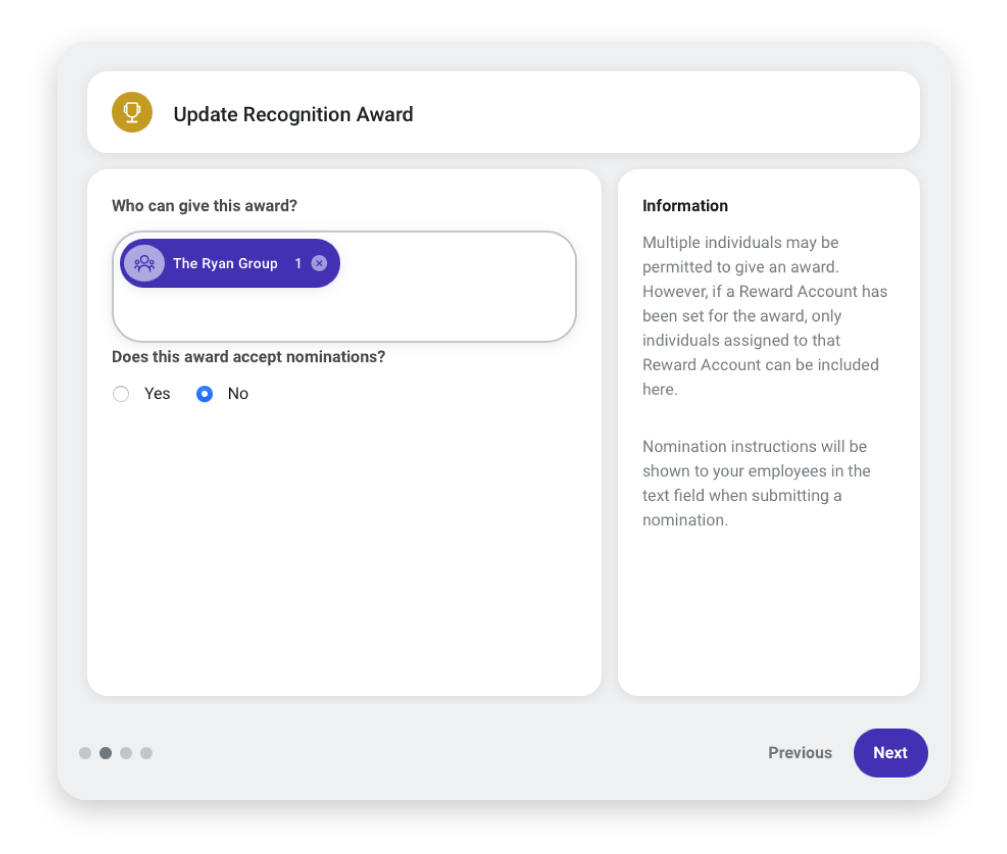
You can now assign a user group to the “Who Can Give” field on an award. No more manual updates—permissions stay current as your groups change. Just type the name of the user group in the award’s settings, and everything will update automatically. This means:
→ If someone is added to that group, they’ll automatically gain access to give the award.
→ If someone is removed from the group, they’ll automatically lose that access.
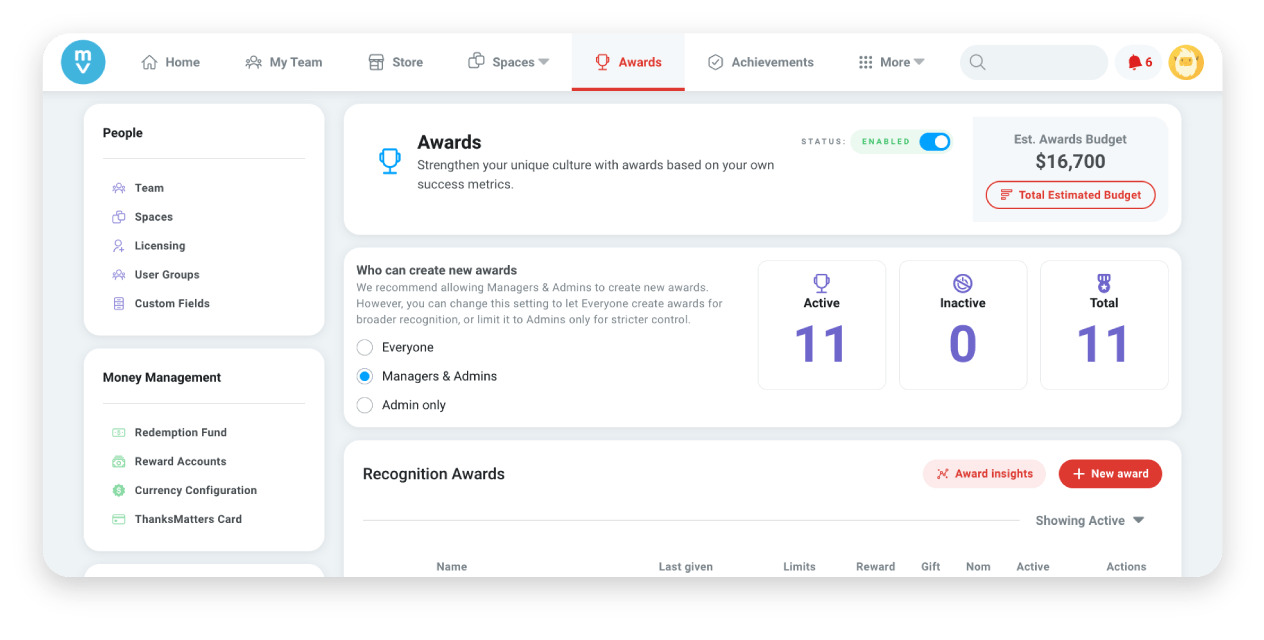
Now admins can choose who can create awards! The default setting is for “Managers & Admins,” but you can change it to “Everyone” for broader recognition, or limit it to “Admins” for stricter control.
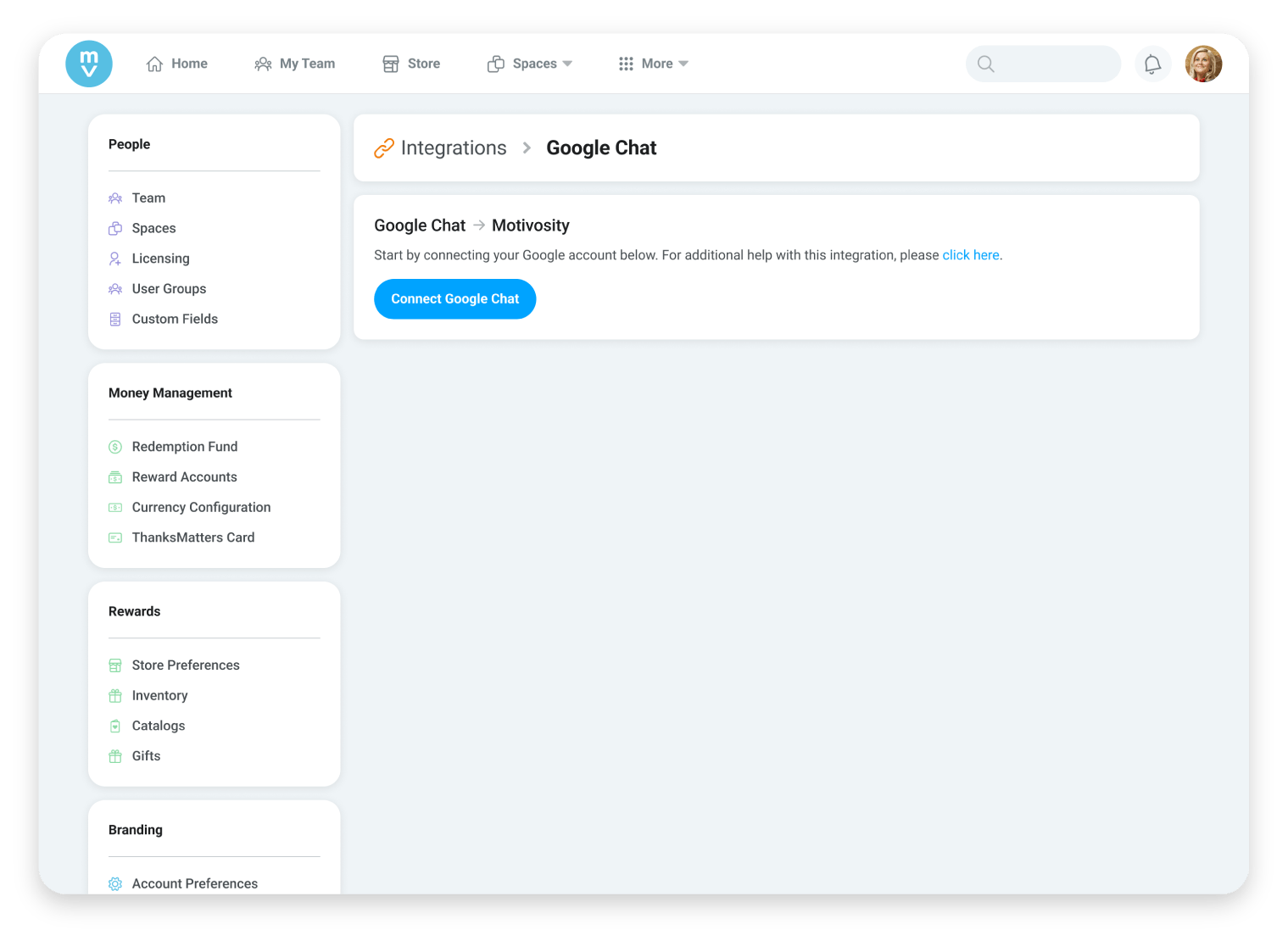
Motivosity now integrates with Google Chat! This closes a key communication gap, making it simple for teams who use Google Chat as their primary channel to stay connected to recognition moments.
→ Meet teams where they work – Deliver recognition updates directly in Google Chat.
→ Boost visibility – Make it easy for employees to see and celebrate recognition in real time.