Welcome back to What’s New! This month we are excited to share some experience updates to the Motivosity Mobile App, as well as some Tiny but Shiny user interface updates, including:
Let’s get to it!
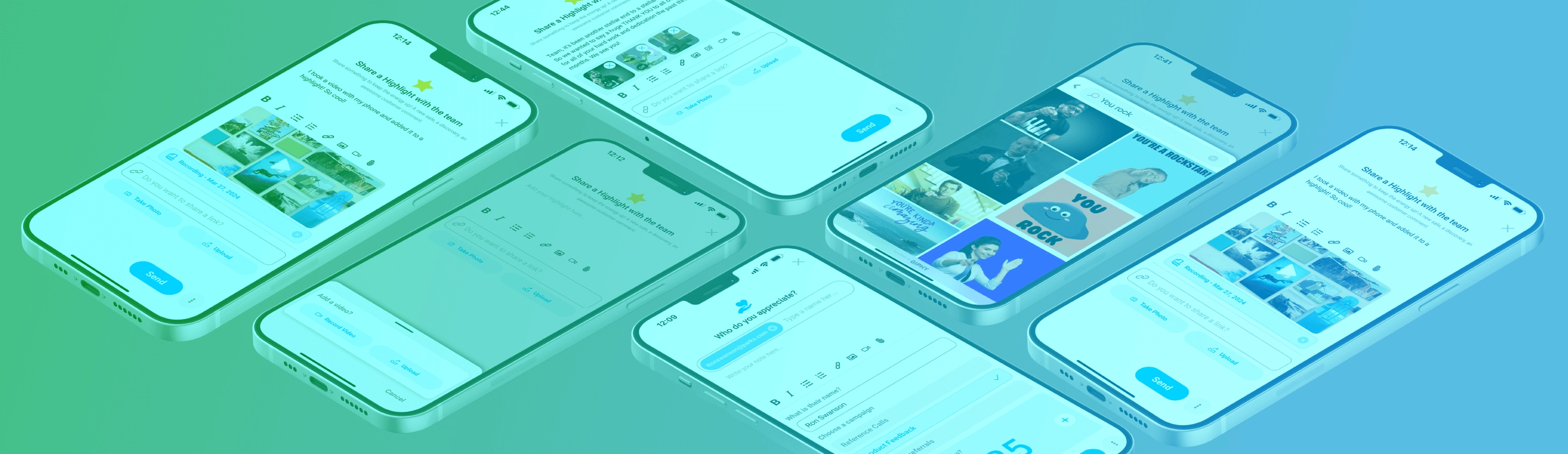
With the Motivosity App, you and your employees can send, receive, and redeem appreciations, awards, milestone gifts, and other important internal communication right from your phone. Recently we’ve added a few new features to make our app an even better—and more fun—experience for everyone.

And don’t forget to invite your employees to download and use the app as well!
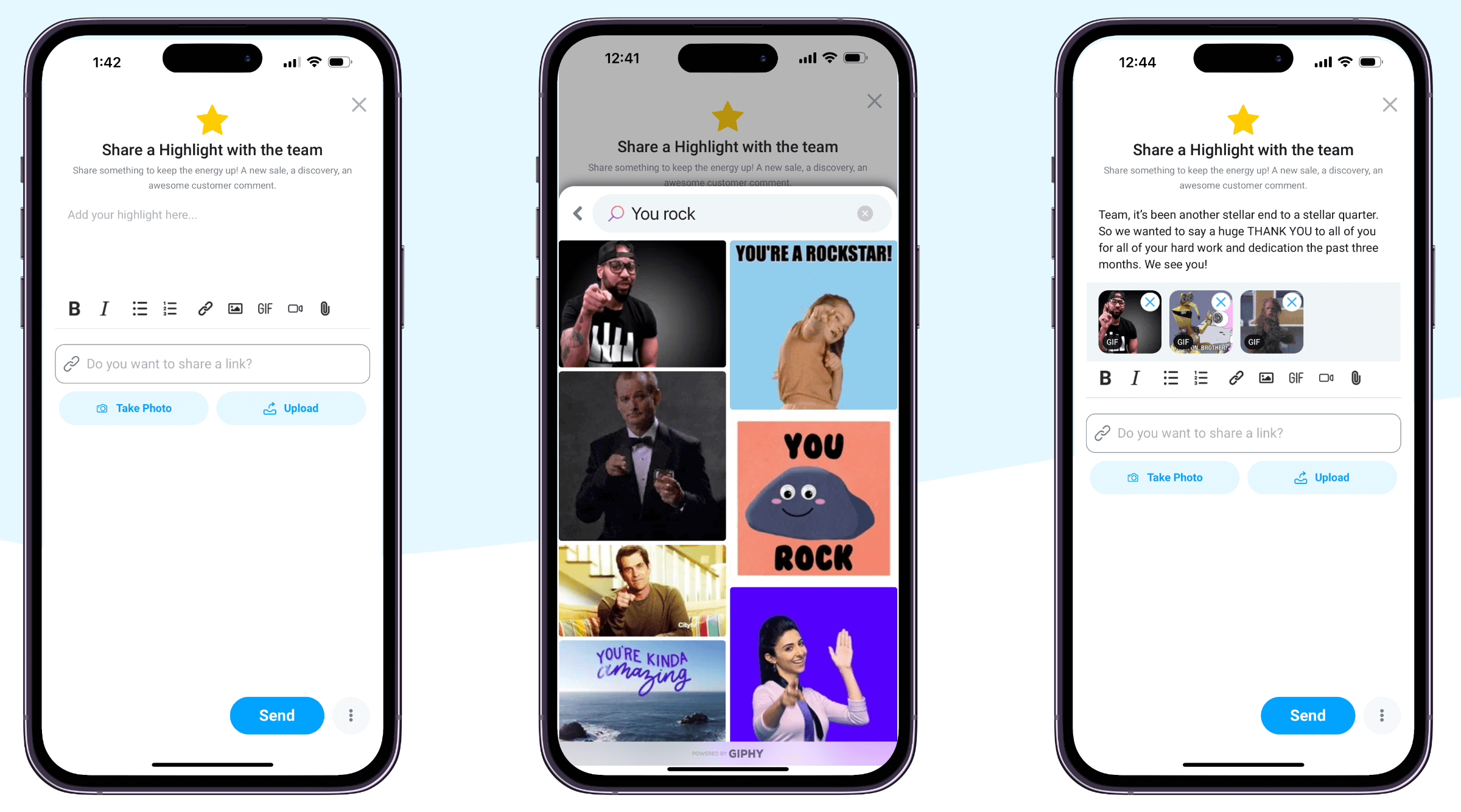
While we’ve always supported GIFs via copying and pasting links, our mobile app users can now search for and add GIFs to all recognitions, comments, and other post types right from the integrated Giphy keyboard. Just tap GIF and find the perfect image to drive your message home.
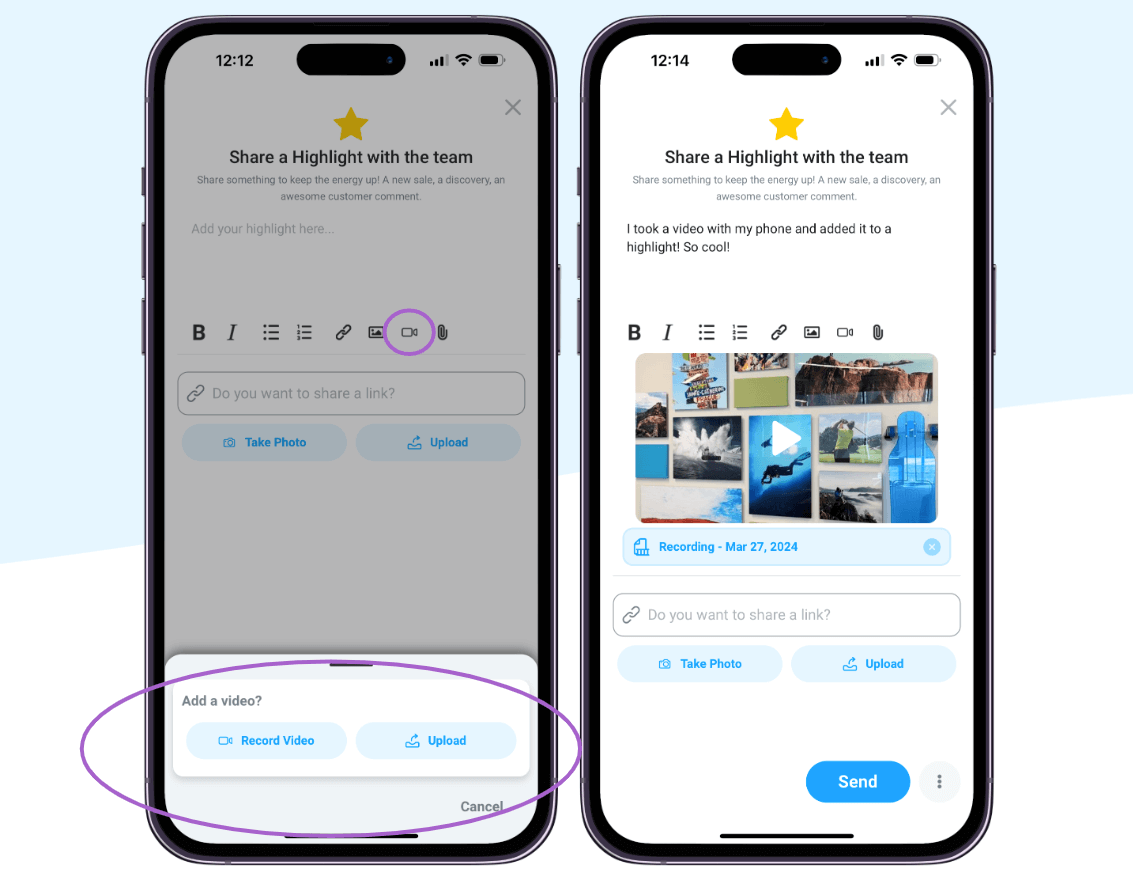
Motivosity mobile app users can now add an even more personal touch to appreciations by recording and sending a video message to say their thank you—without ever leaving the app. Executives can post video updates or messages in highlights or announcements. HR or managers can post video messages welcoming new hires or saying “happy birthday.” New employees can post videos introducing themselves to the company, and so much more!
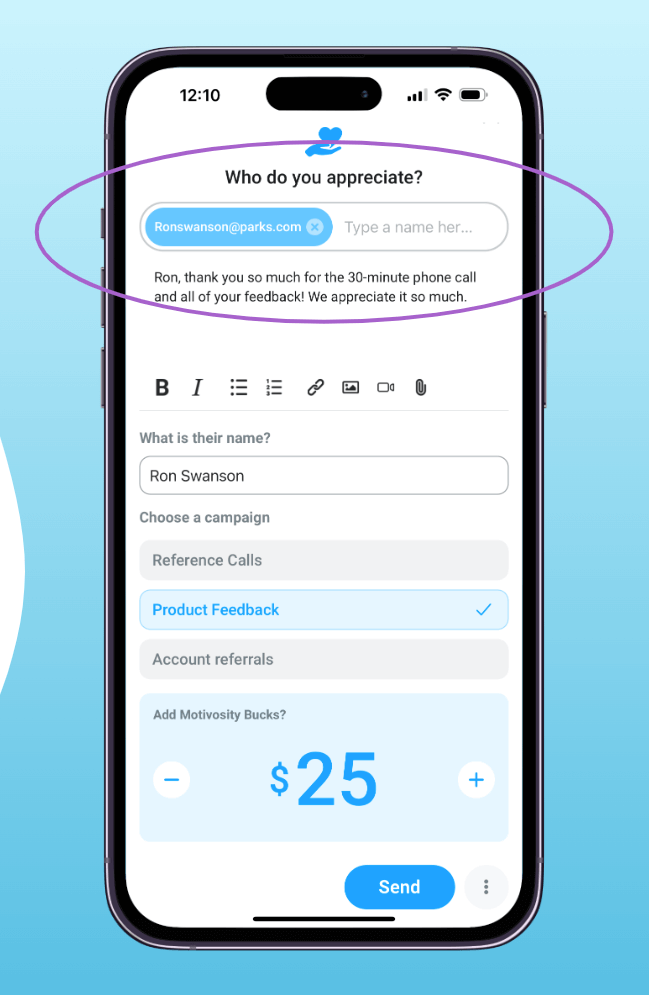
The Motivosity mobile app now makes it easy to send a thank you to customers, contractors, freelancers, or other non-employees who deserve recognition by simply adding their email address. The person you appreciated will receive an email with your message and a link to your existing e-gift options to redeem their gift.

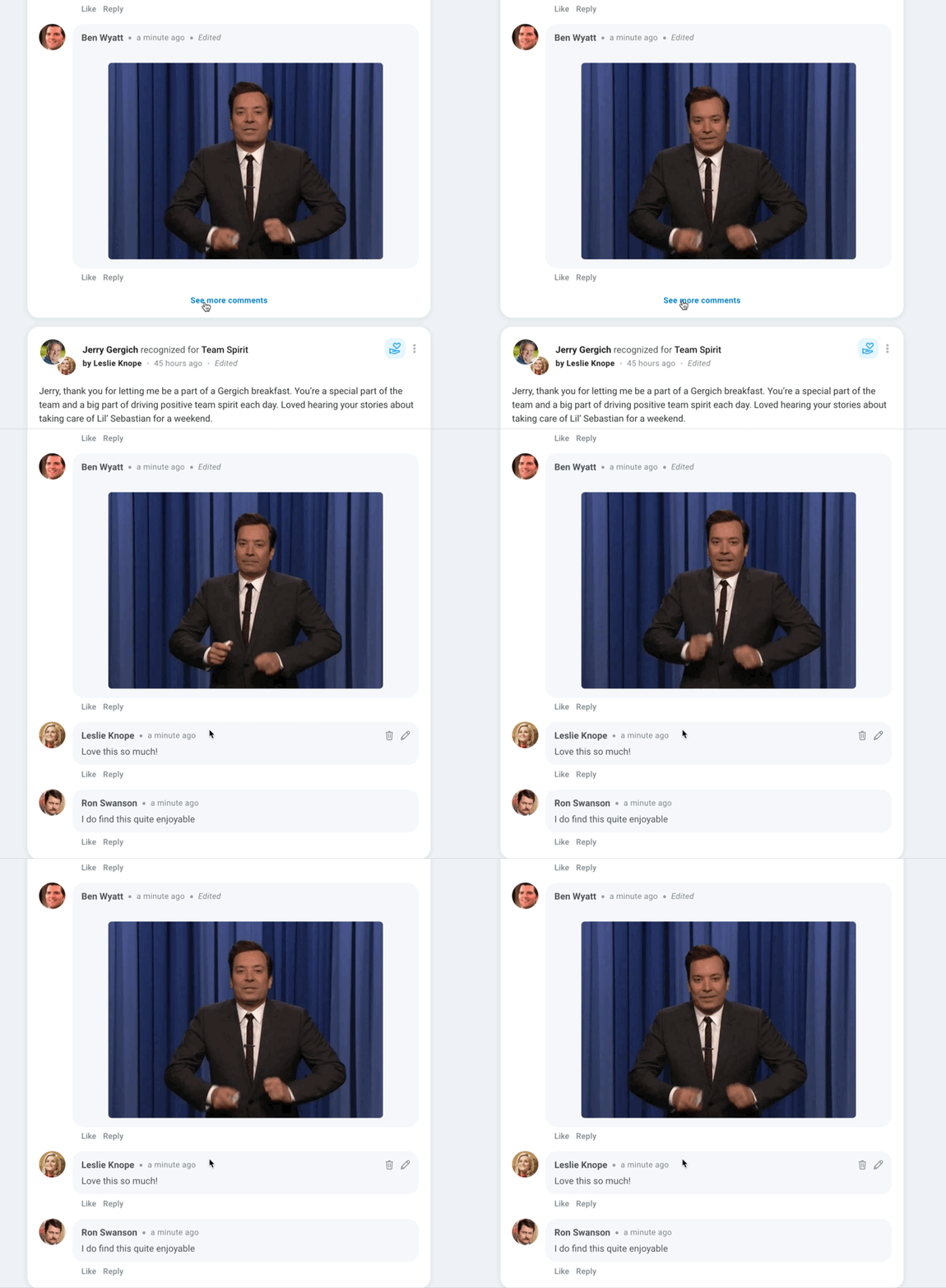
There once was a 40-comment limit on posts in Motivosity, and to be honest, we feel silly about that. Let there be no limit on engagement here! Now the first 5 comments will show up initially and you can click “see more comments” to load 20 more...for infinity.
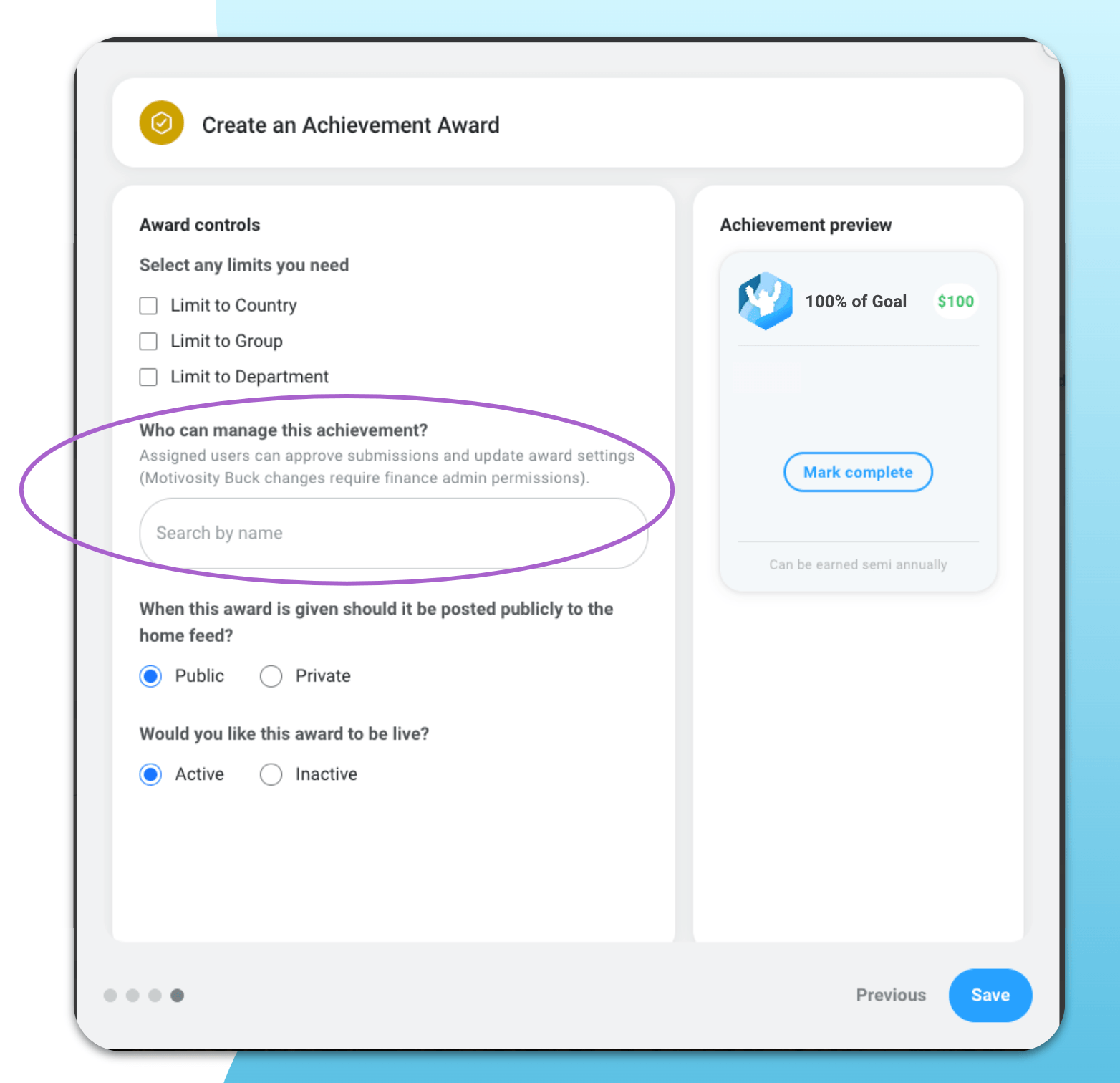
We’ve made managing Achievement Awards in Motivosity easier than ever by adding the ability to create an award that someone else will own or give multiple people the ability to own and give out an award. In particular, this update will help give individual teams and departments the ability to manage their own awards easier. When choosing where the Award dollars come from, givers can select their own giving balance or a budget they have access to.
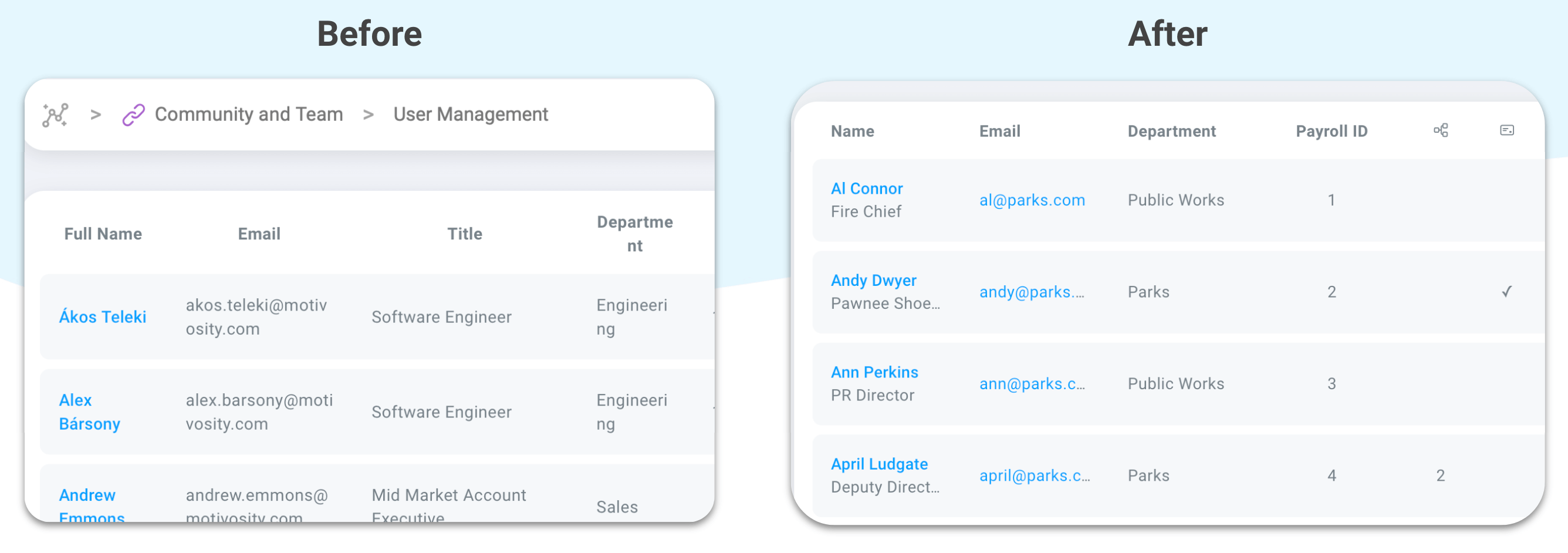
We’ve been updating Insights Reports with a cleaner, clearer look to make reporting easier. You’ll see these changes reflected in several reports, and more updates to come!