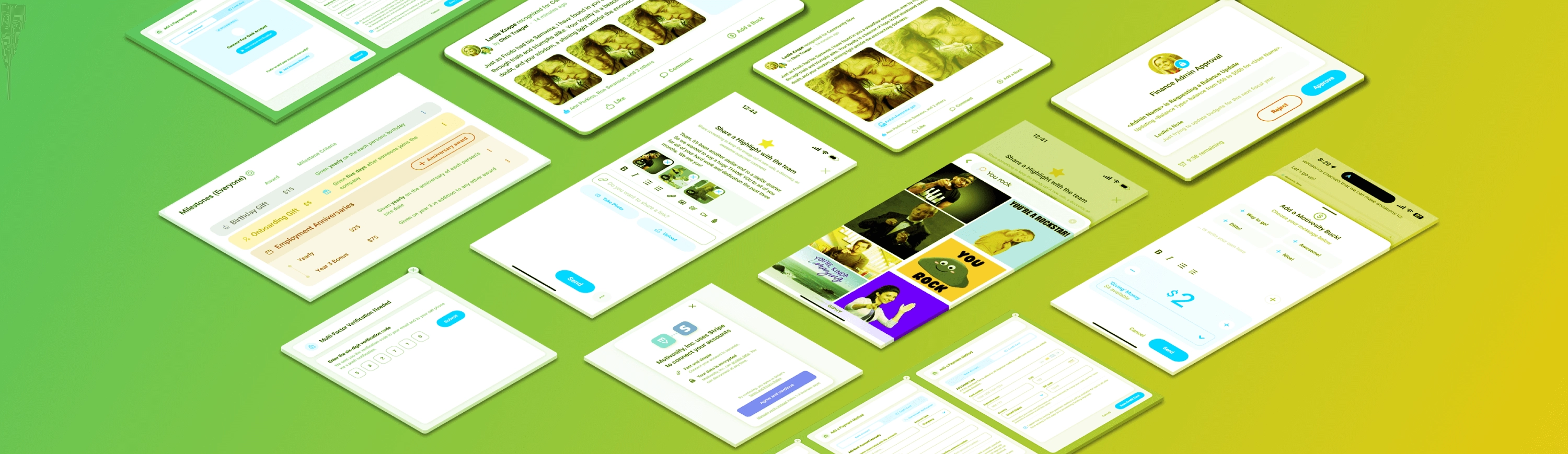
Welcome back to What’s New! This month we are recapping updates including a Giphy keyboard, more Multi-Factor Authentication options, increased Funding visibility, and better survey options—like filtering and scheduling. We also have some Tiny but Shiny updates, including:
Let’s jump in!
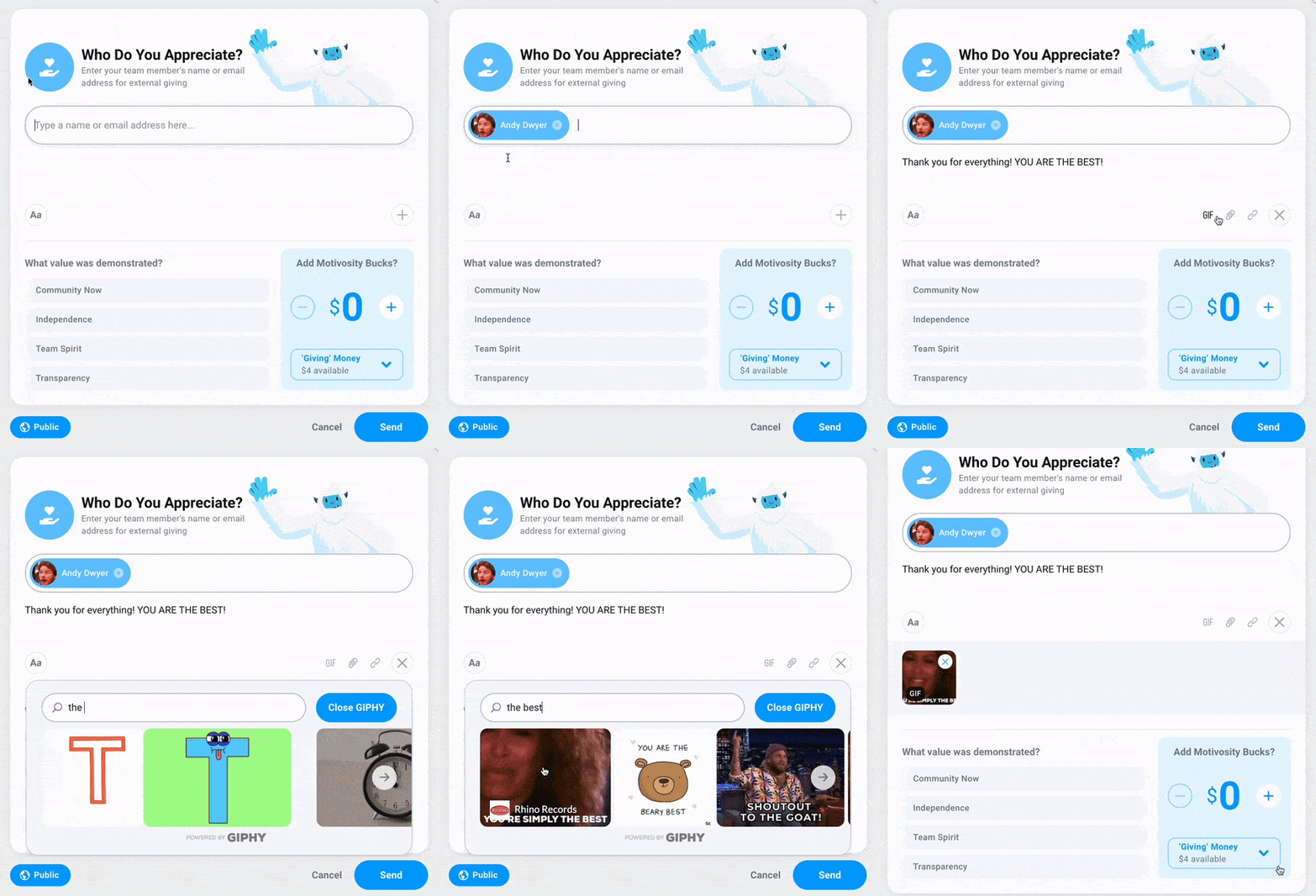
While we’ve always supported GIFs via copying and pasting links, you can now search for and add GIFs to all recognitions, comments, and other post types right from the integrated Giphy keyboard—on both desktop and mobile! Just tap GIF and find the perfect image to drive your message home and keep engagement high.
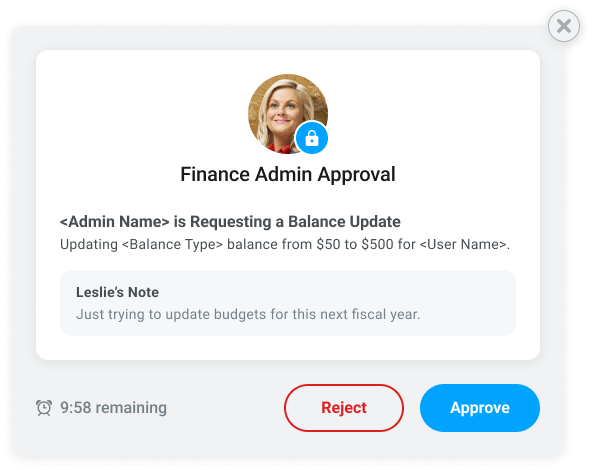
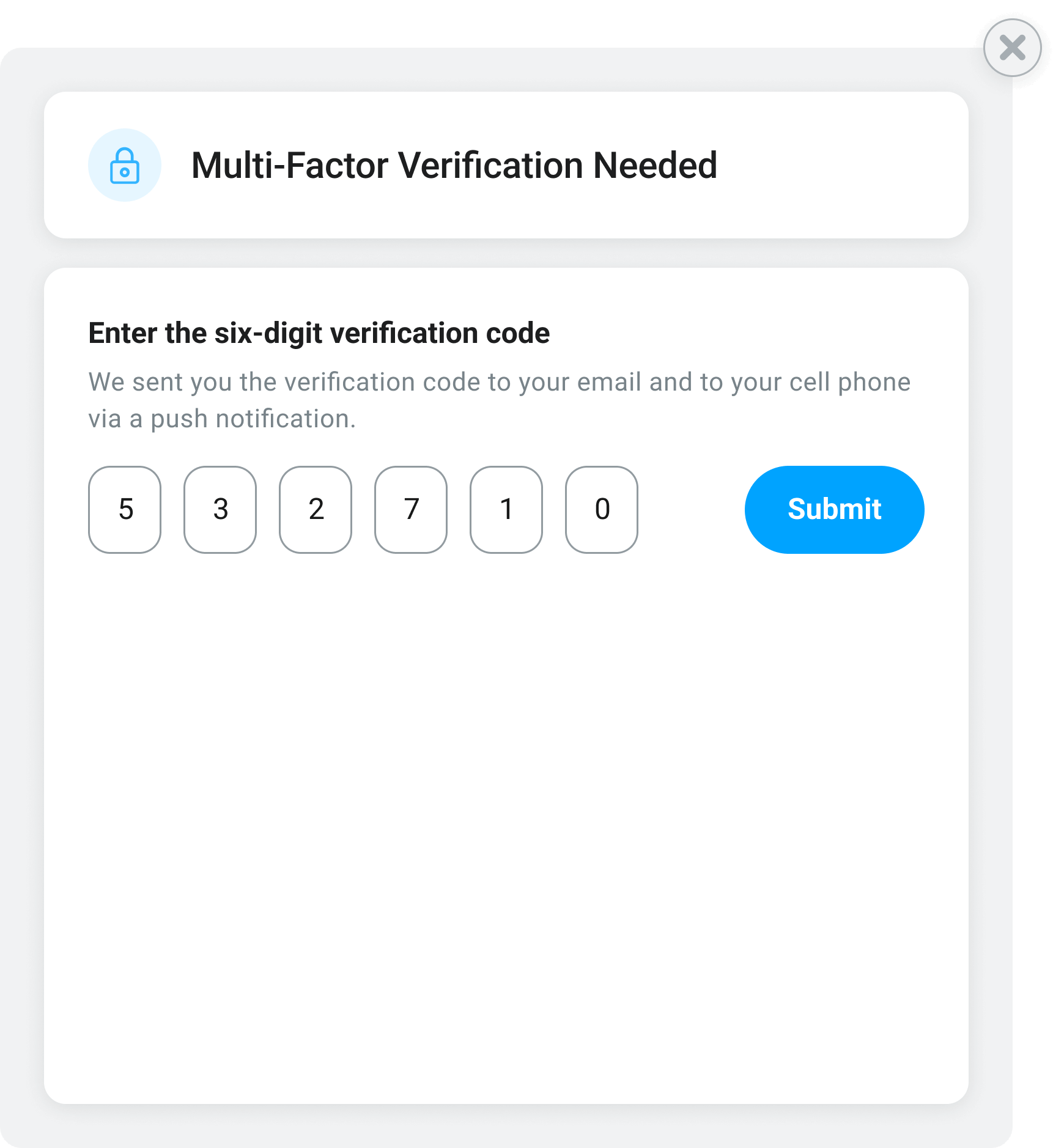
Motivosity now provides even more privacy and protection of sensitive information and increased controls for funding changes. Organizations that need more controls can now choose from more Multi-Factor Authentication options, including requiring a Finance Admin to approve monetary changes and/or implementing a one-time code option instead of a password.
→ Read more about Admin permissions, MFA, and sensitive data access here.
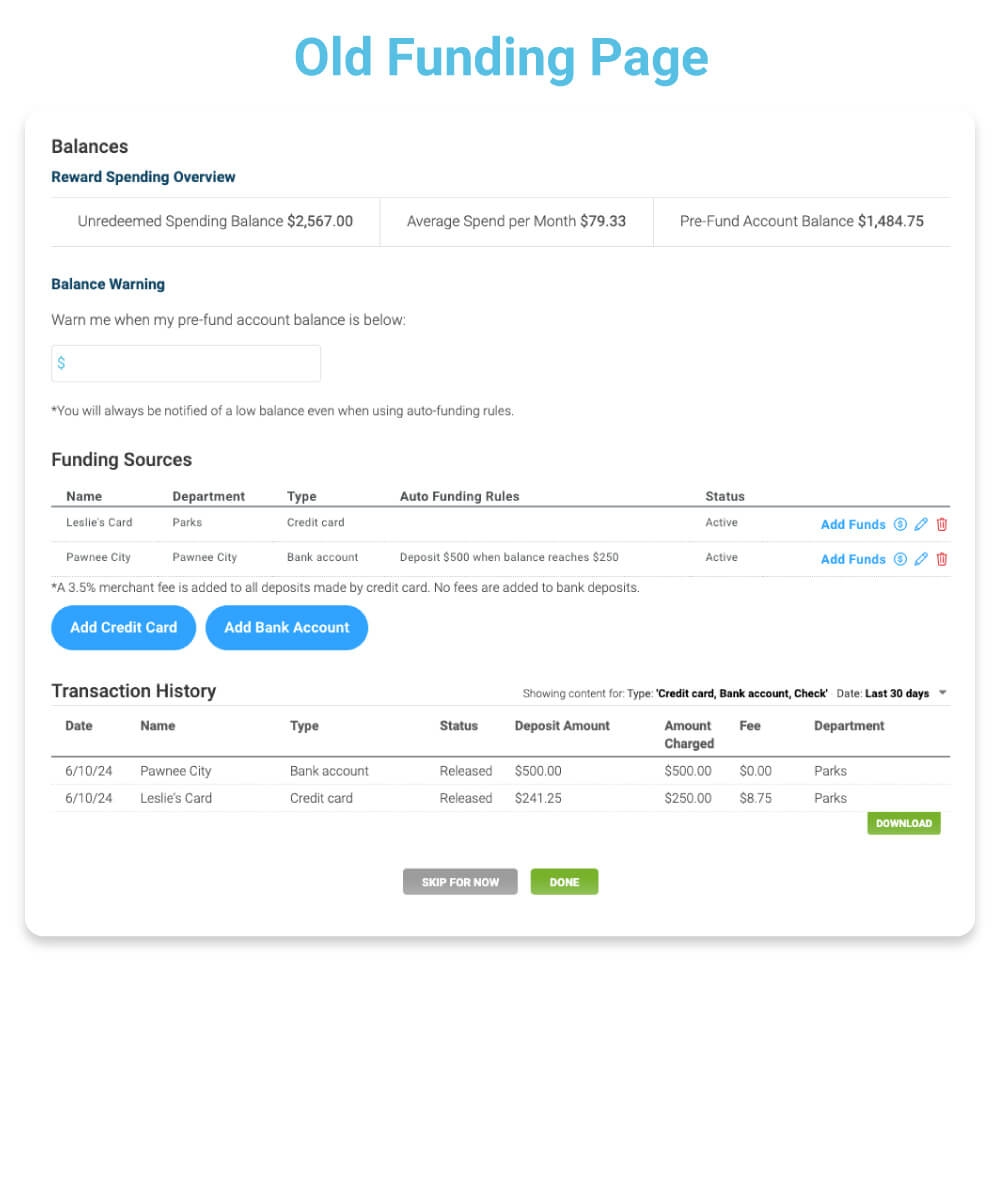
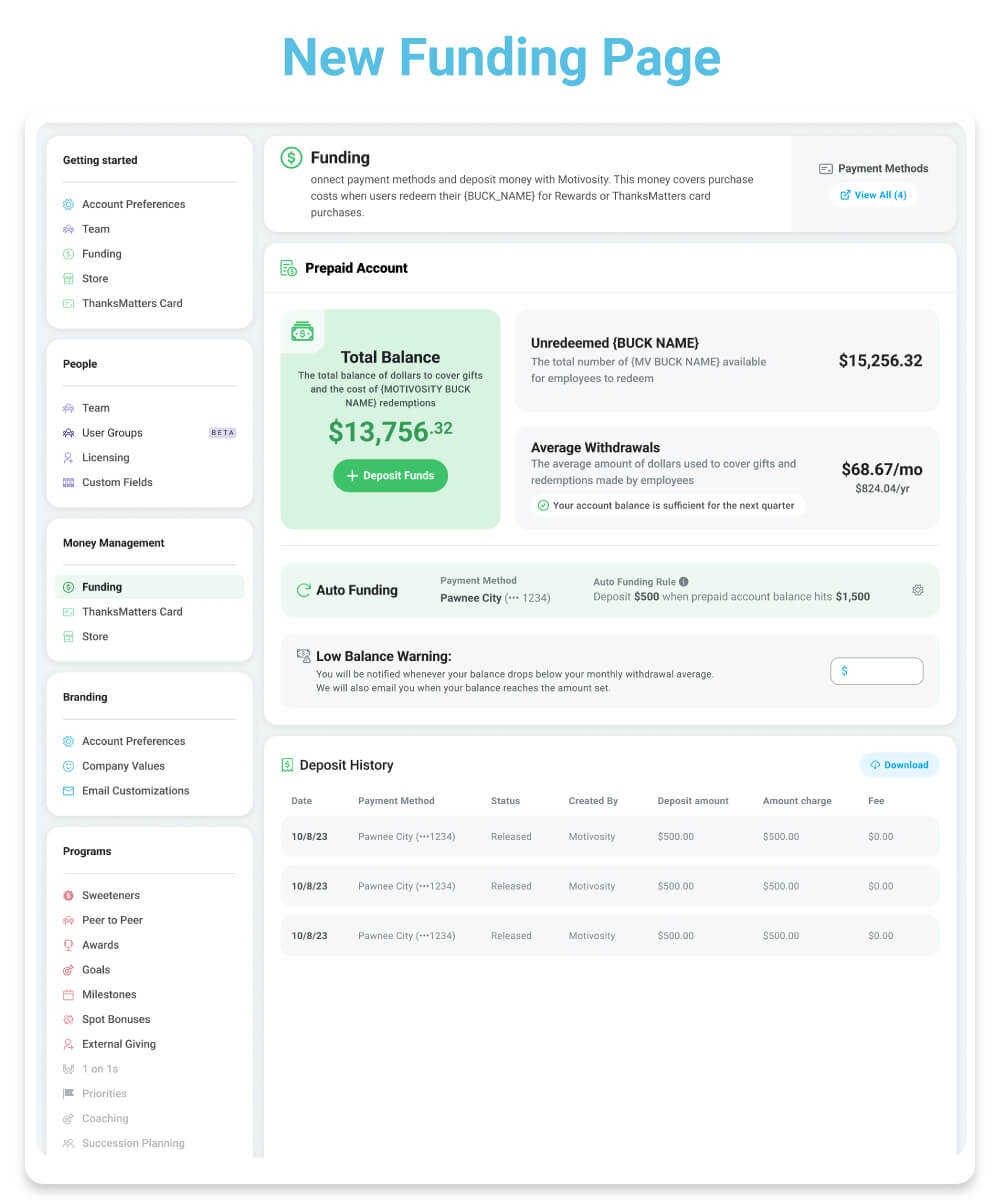
The Funding page in Motivosity is getting a makeover to provide a cleaner look with more important details, including better visibility into how funds are used—like pending deposits, available balance, and total balance. Admins will also see more information around unredeemed dollars and average withdrawals.
→ Read more about Funding here.
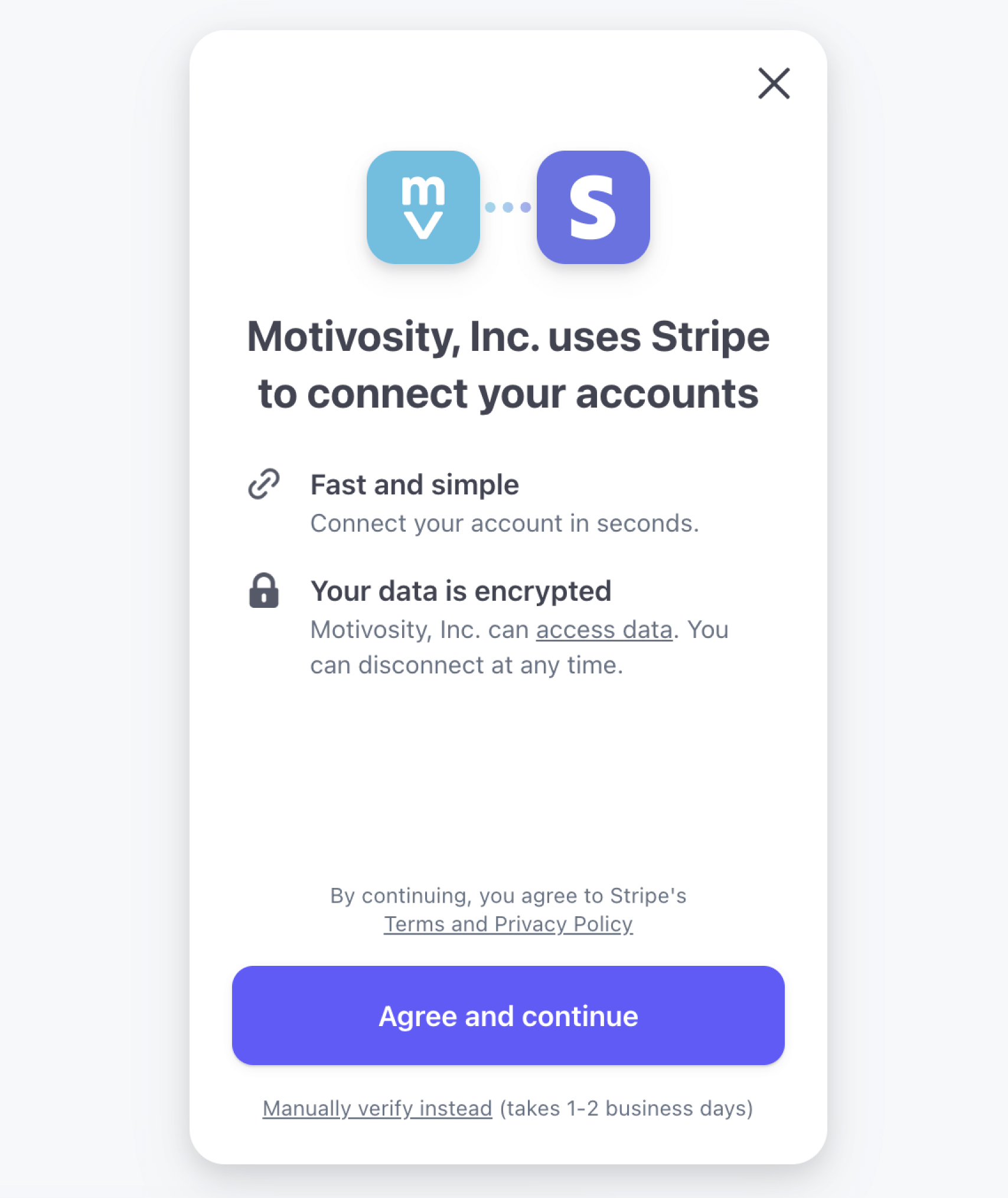
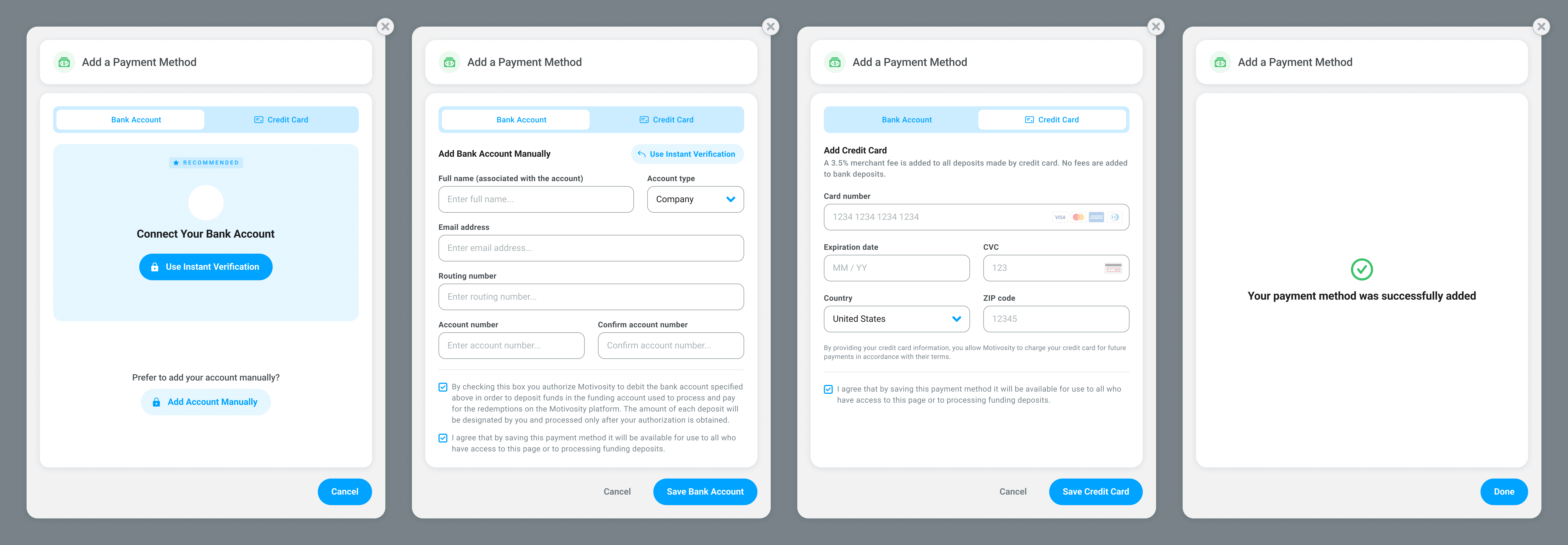
Very soon, companies can add new funding sources easier via Stripe Instant Verification. This helps the process of adding a new bank account run smoother and can help adding funds move faster.
For Motivosity customers who use the Employee Insights add-on product, we have several new and exciting updates to share!
Get ready to understand your employees on an even deeper level. Filter survey results by user groups that fit your needs: whether that’s by department, region, and beyond.
Carl is even smarter than ever before! Get better automated insights on your MV6 survey. Or, based on personal preference, turn Coach Carl off.
You’ve told us and we listened. Very soon, scheduling and modifying the MV6 Satisfaction Survey will become easier (and more flexible) than ever. Here’s what you need to know:

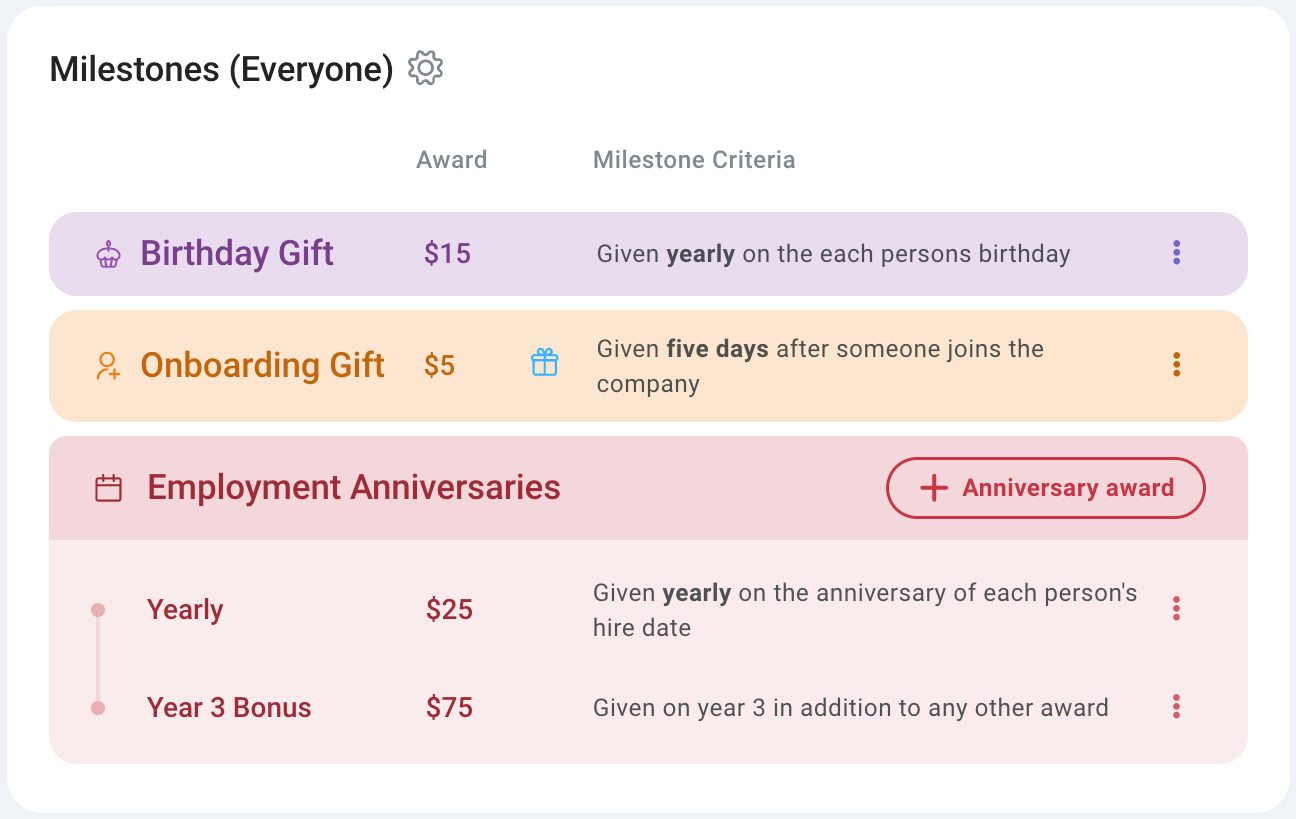
With this new Milestone option, Admins can now set up an automated Onboarding Gift for employees that will show up five days after their hire date. Choose from giving any amount of Motivosity Bucks and/or adding an item from your custom-added Local Store items.
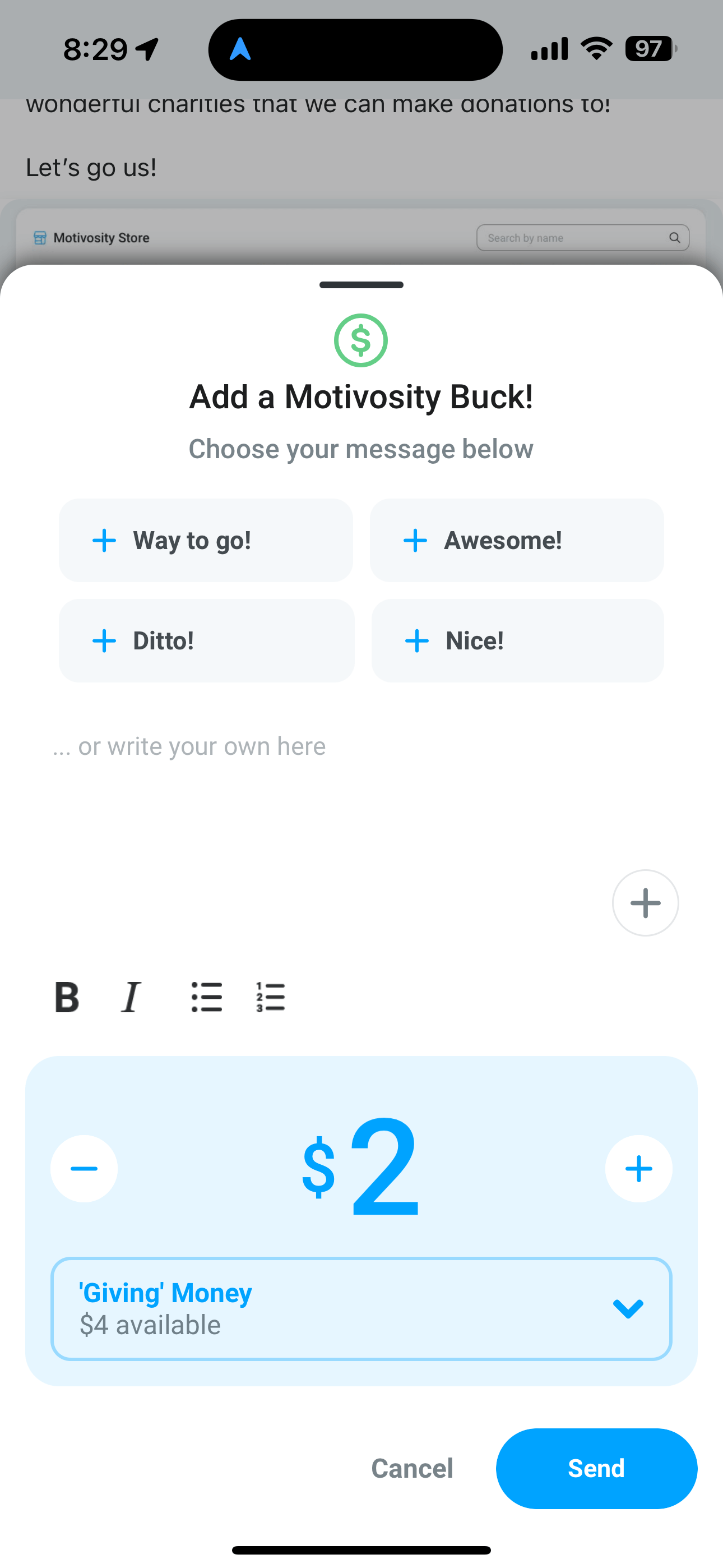
Users that want to “add a buck” to an appreciation that someone else gave now have the option to give more than $1—and they can choose to give it from their giving or their spending balance.
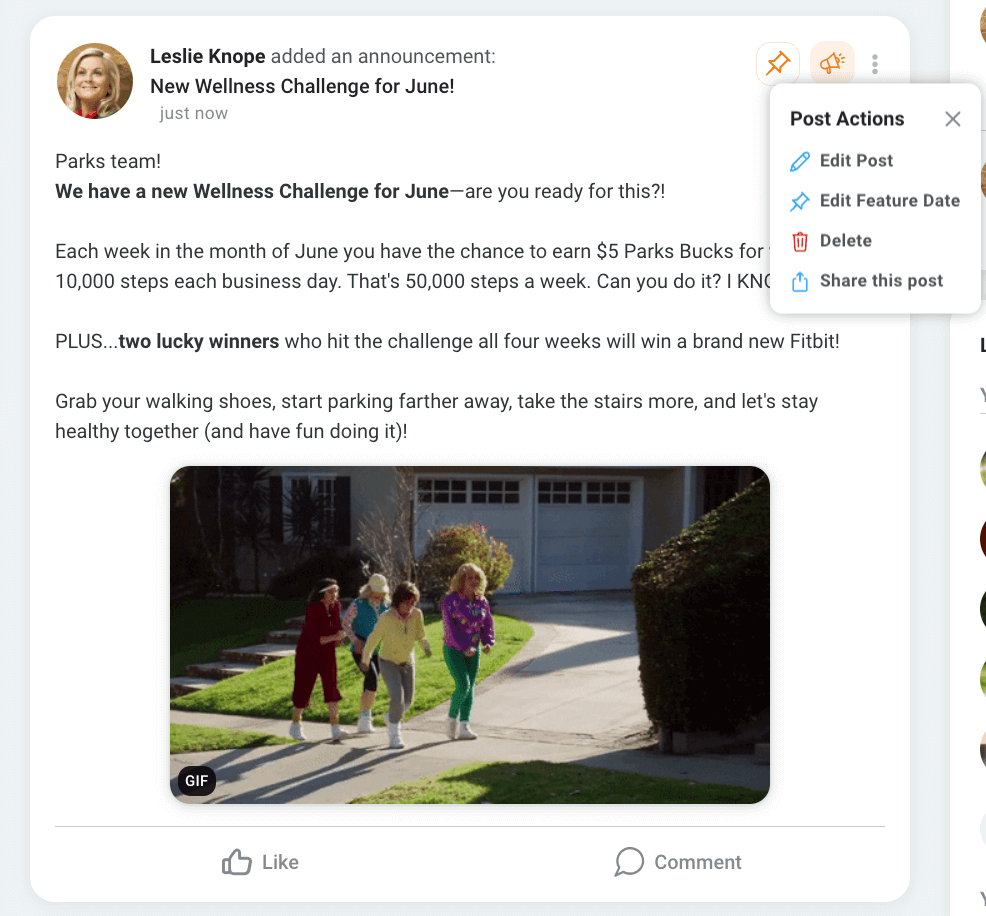
Users can now click the option to “Share this post” on any post type (appreciation, announcement, highlight, etc.) in Motivosity. This option will automatically copy the post URL to their clipboard and allow them to share it somewhere else—like Slack, Teams, or Email—to any other employee at your company that has a Motivosity account.

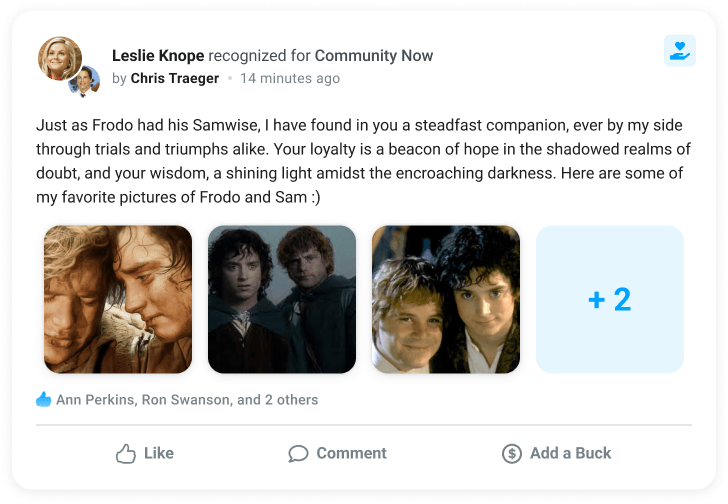
The way photos and videos show up in Motivosity now has a new—and improved—look. This new design makes it easier to view thumbnails when multiple media items are added to one post and takes up less space in the feed.