Modern work brings teams together from across the world. Remote collaboration tools allow these remote, hybrid, or geographically distributed teams to communicate on projects. They ease the process of working toward shared goals or business objectives.
Team collaboration software can improve communication and provide a centralized location for teamwork.
And yet too many companies are drowning in too many platforms that have overlapping functionality. This tool proliferation misses the goal of centralized communication. At best, one collaboration tool can unite your diverse workforce.
Key Takeaways
This guide includes the top 15 remote collaboration tools of 2026. For each tool, we have identified
Each of the tools listed in this article performs the basic function of a collaboration platform: to help teams communicate, manage work, and stay aligned, regardless of location.
When looking for the right remote work tool for your organization, consider the particular needs of your team. What types of features will improve the quality of work?
Look for shared channels, searchable conversations, and project visibility to improve transparency at all levels. For project teams. seek out task management and workflow visibility that helps clearly organize work.
Keep adoption and user experience in mind. A tool can't benefit people if they don't use it.
Finally, consider the existing software your team deems essential. You’ll want to look for native integrations with those tools. Slack, Google Workspace, Microsoft 365, and Zoom integrations set platforms apart, as those integrations reduce tool-switching and siloed information.
For each of the following remote collaboration platforms, we’ve provided a brief overview, followed by who it’s best for, key strengths, and information worth noting when considering this software.
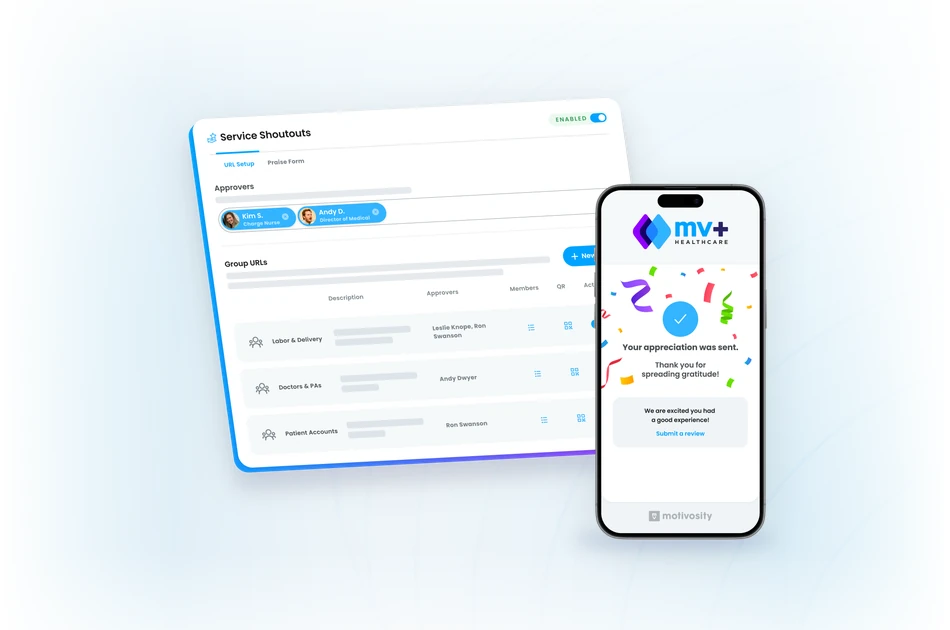
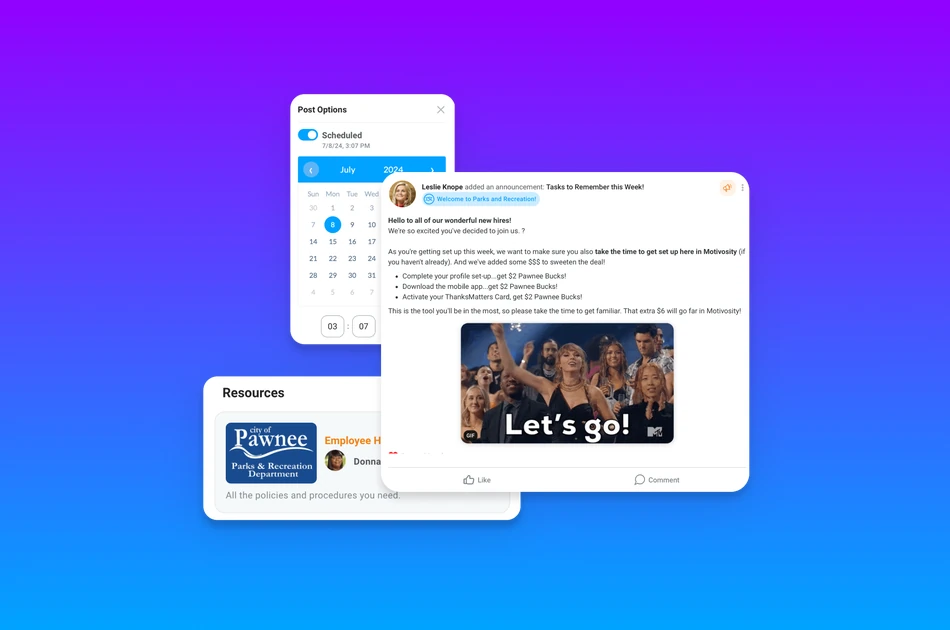
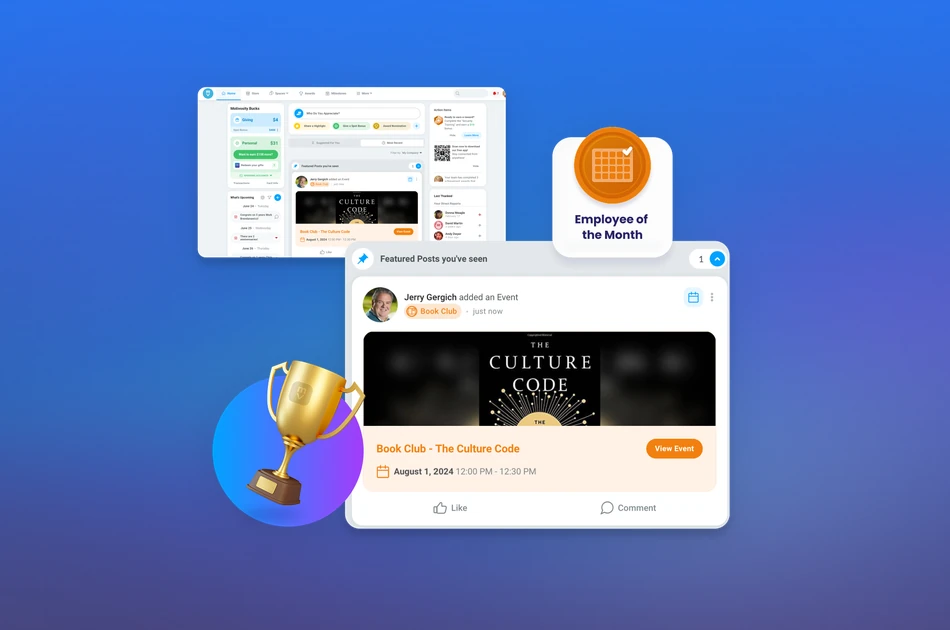
Motivosity is an employee recognition platform. It connects distributed teams through peer-to-peer recognition, an internal communication platform, and employee community features that support the human side of remote work. The employee engagement module encourages visibility and appreciation across remote workforces with peer-to-peer recognition, manager-led recognition, wellness challenges and pulse surveys.
Its engagement dashboards help HR understand the ROI of their programs. Employee spaces for remote workers support company culture with dedicated connection spaces for shared interests, employee resource groups, company programs, or departments.
Best For: Enterprise and mid-to-large organizations that prioritize employee connection, recognition, and culture. It's especially good for organizations with remote or hybrid workforces, where engagement may erode without intentional investment.
Key Strengths:
Worth Noting: Motivosity collaboration tools are built for engagement and culture. It's best used as an add-on to existing project management or video conferencing.
Achievers is built for large global organizations that need to run structured recognition programs across multiple regions and departments. Its enterprise recognition and engagement platform includes strong analytics that measure program impact.
Best For: Enterprises focused on culture, retention, and workforce-wide recognition programs.
Key Strengths:
Worth Noting: Achievers is built for enterprise companies. Smaller teams may feel overwhelmed by the tooling. Implementation may take a significant investment for setup and configuration.
NectarHR's rewards and employee recognition software emphasizes ease of use and integration with tools teams already use. It offers flexible rewards and recognition workflows and integrations with Slack and Teams. Mid-market companies can use NectarHR to build an engagement program without significant administrative overhead.
Best For: Mid-market companies developing recognition culture in hybrid and remote environments.
Key Strengths:
Worth Noting: Flexible and useful for growing companies, NectarHR may not have the analytics and global program management that enterprise companies require.
You may already be familiar with this widely used communication and collaboration software for teams of all sizes. Slack divides communications into channels and direct messages (DMs) for clear collaboration with a searchable history. Choose from a wide variety of pre-built integrations or use webhooks and API connections to build your own.
Best For: Teams that prioritize fast, flexible communication and integrations with a variety of tools.
Key Strengths:
Worth Noting: Slack works best as a company communication software rather than project management or documentation, which can become noisy at scale.
Teams that already use the Microsoft 365 ecosystem will find that Microsoft Teams is an obvious choice. It combines video conferencing, chat, file sharing, and meeting management with seamless integration with other Microsoft 365 tools.
Best For: Larger organizations using Microsoft 365
Key Strengths:
Worth Noting: Microsoft Teams can feel complex for smaller organizations, and it may be confusing for those without existing Microsoft infrastructure. Users note that the interface may require guided onboarding.
Zoom is a reliable video conferencing platform that works consistently across devices, network conditions, and geographies. This collaboration tool assists remote and hybrid organizations that require face-to-face communication.
Best For: Organizations that prioritize reliable, high-quality video communication
Key Strengths:
Worth Noting: Zoom works best as a meeting tool, not as a collaboration platform. Its strong video features don’t replace the need for other communication, project management, or documentation tools.
Trello is an easy-to-use project management tool that uses a Kanban-style board. The simple interface and straightforward workflow setup make it ideal for small or non-technical teams looking to manage straightforward projects.
Best For: Small teams and individuals who need visual task management without a steep learning curve.
Key Strengths:
Worth Noting: Trello’s simplicity also limits its capabilities. Cross-functional projects with dependencies or large backlogs will quickly outgrow Trello’s capabilities. There are no audio or video features or employee engagement tools within Trello, and it doesn’t have data analytics or reporting features that enterprise organizations require.
Asana is a project management software built for cross-functional work in which multiple teams, stakeholders, and timelines intersect. It balances team project visibility with individual work views.
Best For: Cross-functional teams managing complex projects with multiple stakeholders
Key Strengths:
Worth Noting: Asana’s many features take time to learn, and some advanced features require Business or Enterprise tier pricing.
ClickUp is a project management and collaboration software that organizes business projects in visual formats within a highly customizable workspace.
Best For: Teams looking to consolidate tools and reduce the number of platforms they manage
Key Strengths:
Worth Noting: ClickUp has a lot of tools to learn and manage, and poorly configured workspaces can be as difficult to manage as the fragmented systems they were meant to replace. Invest in intentional setup and governance before rolling it out to a wider team.
Monday.com is a work operating system that supports project management across a variety of departments, including marketing, HR, and operations. With visual dashboards and workflow automation tools, it provides flexibility while maintaining clarity.
Best For: Mid-market and enterprise teams running cross-departmental workflows
Key Strengths:
Worth Noting: Pricing scales with team size. Monday.com is also flexible enough to become unmanageable without strict governance and templates.
Notion is a flexible workspace for documentation, wikis, databases, and lightweight project tracking within a single interface. It’s useful for asynchronous teams and those that rely on shared knowledge bases.
Best For: Asynchronous startups, small teams, and knowledge-heavy organizations
Key Strengths:
Worth Noting: Notion is not a dedicated project management tool. Teams with complex task dependencies, resource management needs, or formal project tracking requirements will want a dedicated project management software.
Google Workspace is the suite that includes Gmail, Docs, Sheets, Slides, Drive, Calendar, and Meet. Its cloud-first architecture and real-time document editing capabilities work well for shared documentation and collaboration.
Best For: Teams focused on shared document collaboration and familiar software
Key Strengths:
Worth Noting: Google Workspace is an office productivity suite, but does not include project management tooling. Teams looking for shared task tracking, workflow automation, and visual project views should look into a best-of-breed tool.
Miro is a digital whiteboard platform for distributed, remote, and hybrid teams. With an infinite canvas, teams can brainstorm, map workflows, plan sprints, and build strategy in visual and spatial ways that cannot happen in chat or documents.
Best For: Distributed creative, strategy, and product teams that rely on visual collaboration
Key Strengths:
Worth Noting: Miro is designed for visual collaboration. It can’t replace a dedicated task or document management platform.
Basecamp is a centralized communication and project organization tool with message boards, to-do lists, file storage, schedules, and group chat — all built around discrete projects.
Best For: Small distributed teams looking for a no-frills, centralized project hub
Key Strengths:
Worth Noting: Basecamp’s minimal design excludes some more advanced project management tools like time tracking, reporting, and custom workflows.
Jira is a software and product development Agile project management tool with advanced workflows, sprint planning, backlog organization, and bug tracking for software development teams. Jira integrates with common software development tools, including CI/CD pipelines, code repositories, and more.
Best For: Software engineering and product development teams running agile workflows
Key Strengths:
Worth Noting: Jira is designed for software development and may feel inaccessible for non-technical team members. Due to its flexibility, configuration and governance are high, with most customers needing a dedicated Jira admin.
Virtual collaboration tools only work if they serve the needs of your organization.
Begin your search by assessing your team’s collaboration style. If your team works primarily within projects, you may need a work management system that includes configurable workflows. Teams that require knowledge-sharing should look for strong documentation and organization capabilities.
Match the goals of your software search with the company’s business objectives to gain the most value.
Company size and team complexity should also inform your choice of remote collaboration tools. Small teams can work effectively in fewer or less complex collaboration tools. Midsize to enterprise organizations may need to build a stack of dedicated tools that communicate with one another or to invest heavily in an all-in-one platform.
Evaluate the total cost of the product and its ROI. In your calculation, consider:
Motivosity is a modern and collaboration-focused software for remote workplaces that values culture, communication, and recognition. Motivosity’s collaboration capabilities increase team alignment through shared goals, documentation, and messaging.
Clear communication among team members and from leadership keeps everyone informed and engaged, which drives company productivity. With its familiar interface, Motivosity requires limited onboarding for most users. At the same time, its wide integration library reduces tool-switching that draws focus from the work.
Organizations that invest in their people with recognition, communication, and employee connection often see stronger engagement and alignment across distributed teams. Motivosity helps support those goals through a unified employee engagement platform. Schedule a demo today.
Learn more about how Motivosity's employee engagement program keeps employees engaged. Or schedule a demo today.